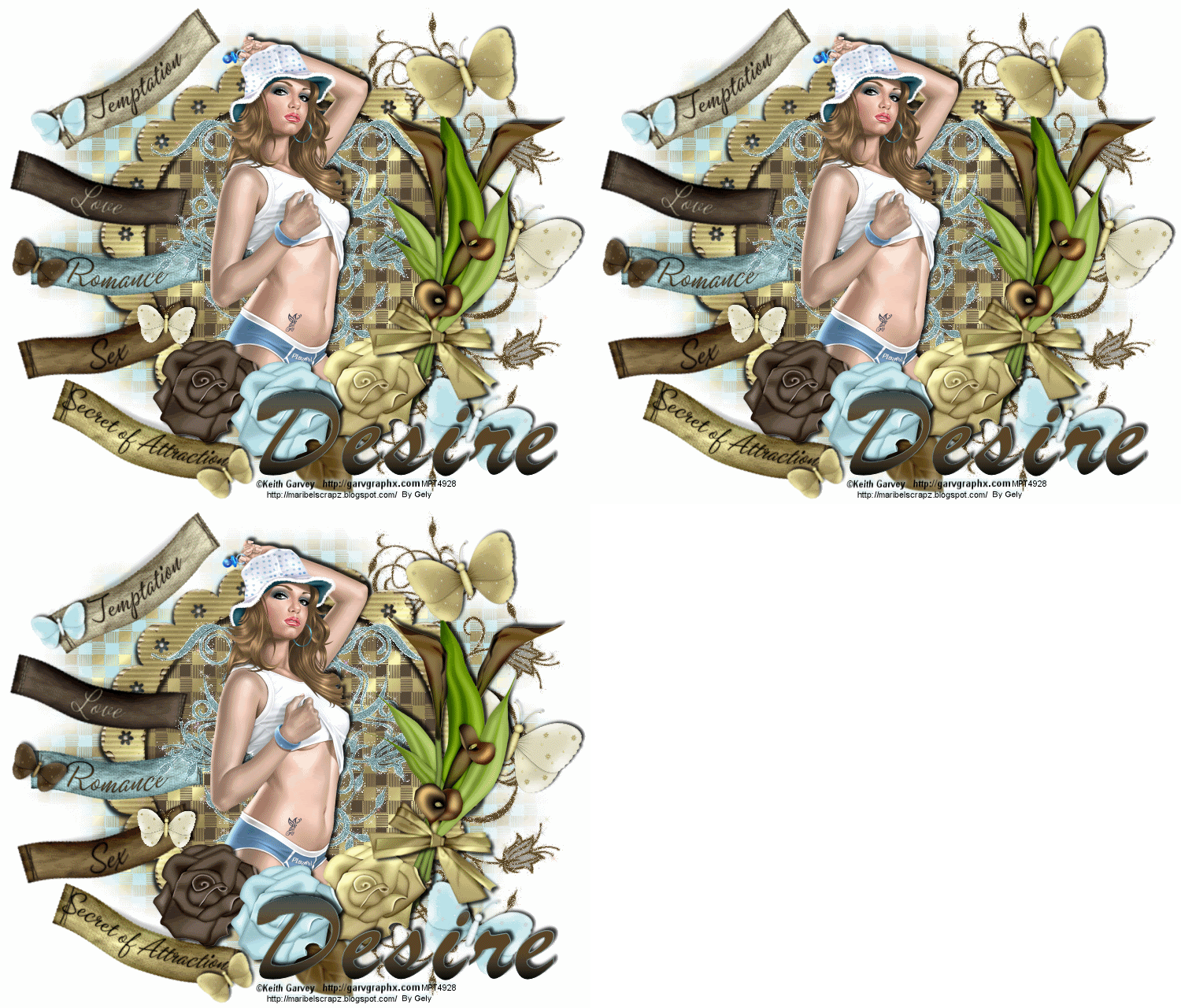
Tutorial made with the beautiful Scrap Secret of Attraction by Maribel's Scrapz, You can purchase this gorgeous kit HERE. Thanks Maribel.
I used a tube from Keith Garvey, you can purchase his tubes HERE
masks: HERE
Plugins required: xenofex/constellation.
1 .- Open a new image 750 x 640 flood fill white.
2 .- New raster layer Selections / select all, paste paper 6 onto selection, select none
New mask layer / from image, apply the mask, merge/merge group
3 .- Copy and paste the element floraldeco 3 duplicate 2 times image/ flip, merge and duplicate 2 times, now we have 3
Click on the floraldeco3 go to effects plugins alien skin xenofex 2 constellation and apply these settings:

Click on copy floraldeco3 apply the same settings but click the random button 1 time, again click on copy2
floraldeco3 and do the same as above
4 .- Copy and paste the frame5 resize to 80% with the magic wand, select inside the frame
copy part of the paper 4 and paste inside the frame.
5 .- Tags 2,3,5, resize to 55%, the tags 1 and 4 to 60% and butterflies 1,2,3 and 4 20%, copy
and paste the calllilies2, copy and paste the bow and resize 70% butterflies 1,3 and 4 to 40%
copy and paste rose 1,3 and 4 resize the leaf 2 to 70%
6 .- Copy and paste in the center floraldeco2 duplicate 2 times, picture / mirror then merge these two layers
image / flip duplicate 2 times, now we have 3, apply the filter xenofex / constellation with the values
above, click the random on each layer.
7 .- Copy and paste the girl tube, type the text, add shadows to all elements,
add your name and any copyrights.
8 .- Merge tags 2,3 and 4 and drag behind the floraldeco2, merge the girl, butterflies, flowers,
the floraldeco2, the callalilies, the bow and the text, like this:

9 .- Close the visibility of two of the floraldeco2 and floraldeco3 copy and paste in animation and
repeat twice with the others floraldeco until you have 3 in the animation, save as gif and you're done!
Thanks for doing my tutorial!!
Hugs Gely.




0 comentarios:
Publicar un comentario